How to Create a Website With AI That Looks Professional (Step-by-Step)
By Chrisianie Pacheco
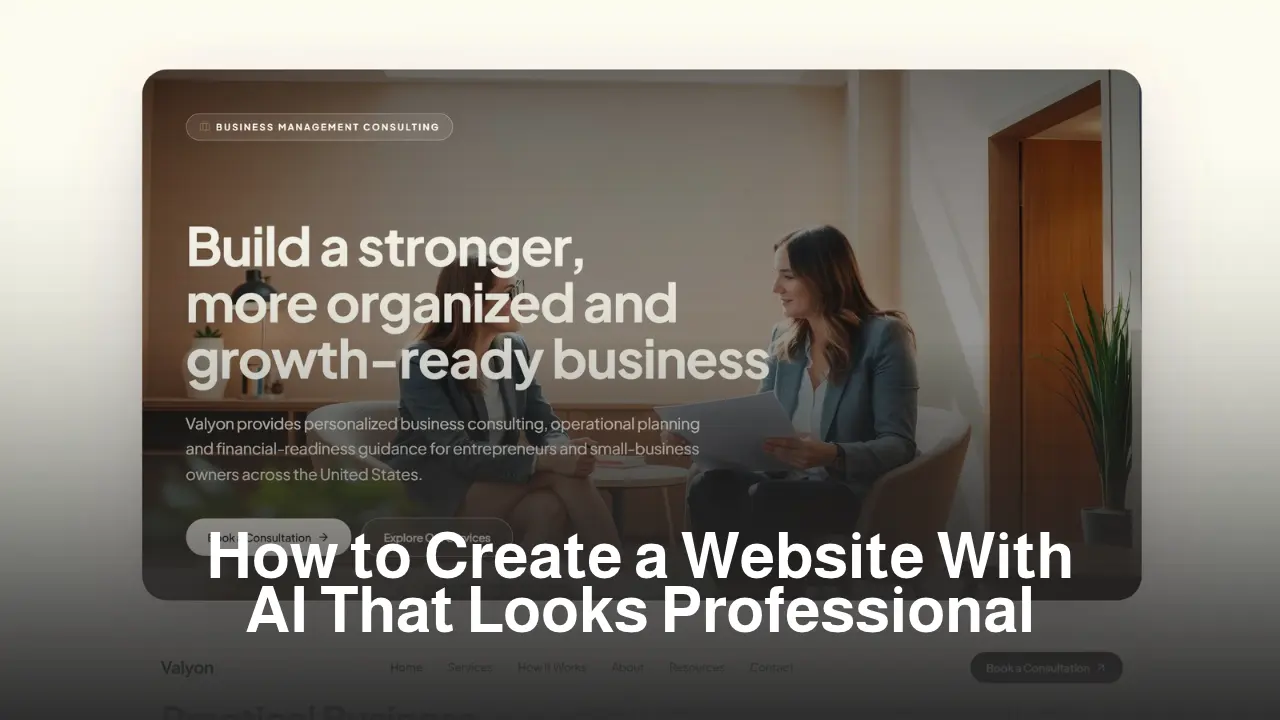
You can create a website with AI in an afternoon now. The harder part is making it look like you didn’t.
Most AI-built sites share the same traits: a generic hero line, stock-looking sections, and a layout that could belong to any brand. Visitors feel it within seconds, even if they can’t explain why.
The tool isn’t the problem. The input is. AI builds what you describe, and most people describe very little.
This guide walks through the exact process we use at Fav Studio to build a website with AI that feels intentional, premium, and ready to convert. It works whether you’re a creator launching an offer, a coach tightening your funnel, or a brand finally replacing that outdated template.
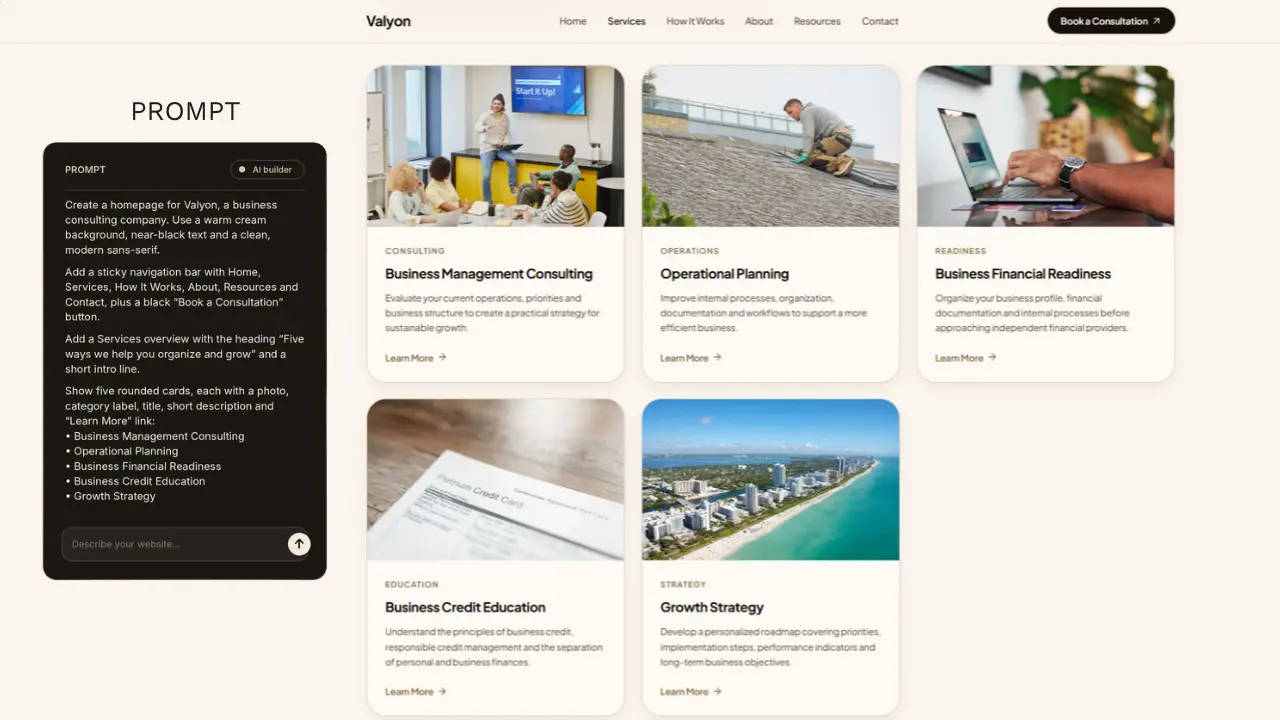
Why AI Websites Look “Off” (and What Professional Actually Means)
Before you build a website with AI, you need to know what you’re aiming for. “Professional” is not a template. It’s a set of decisions.
A professional site has:
- One clear promise above the fold
- Consistent visual language (type, color, spacing)
- A deliberate path from first click to inquiry
- Copy that sounds like a person, not a brochure
AI handles the speed. You still have to supply the strategy. Skip that part, and you get a fast, forgettable website.
At Fav Studio, we treat AI as a production layer, not a creative director. The positioning, the offer, and the voice come first.
Step 1: Define Your Offer Before You Open an AI Website Builder
Every strong AI website builder workflow starts away from the tool. Before you type a single prompt, answer four questions:
Who is this site for?
Be specific. “Women who want to grow online” is vague. “Wellness coaches with 5k to 20k followers who want to convert DMs into booked calls” is something AI can actually design around.
What is the one action you want visitors to take?
Book a call. Join the waitlist. Buy the product. Pick one primary action. Sites that ask for five things get none.
What makes you different?
Not your bio. Your angle. The reason someone chooses you over the next person with a similar feed.
How should it feel?
Editorial and soft? Bold and high-contrast? Quiet luxury? Pull three adjectives. They’ll guide every prompt that follows.
Mini case moment: A coach we worked with had a site that described “mindset, wellness, and growth.” After one positioning session, it became “nervous system coaching for burned-out founders.” The traffic didn’t change. The inquiries did.
Step 2: Build Your Brand Foundation for AI Website Design
Strong AI website design depends on the constraints you give it. Without them, AI defaults to the same safe palette and typeface everyone else gets.
Prepare a simple brand brief:
- 2 to 3 brand colors (with hex codes)
- 1 heading font and 1 body font
- Tone of voice in three words
- 2 to 3 reference sites you admire, and what you like about them
- Your logo and any approved photography
Think of it as a creative brief for a very fast designer who has never met you.
Step 3: How to Build a Website With AI Using Smarter Prompts
This is where most people lose quality. They write one line, hit enter, and accept whatever comes back.
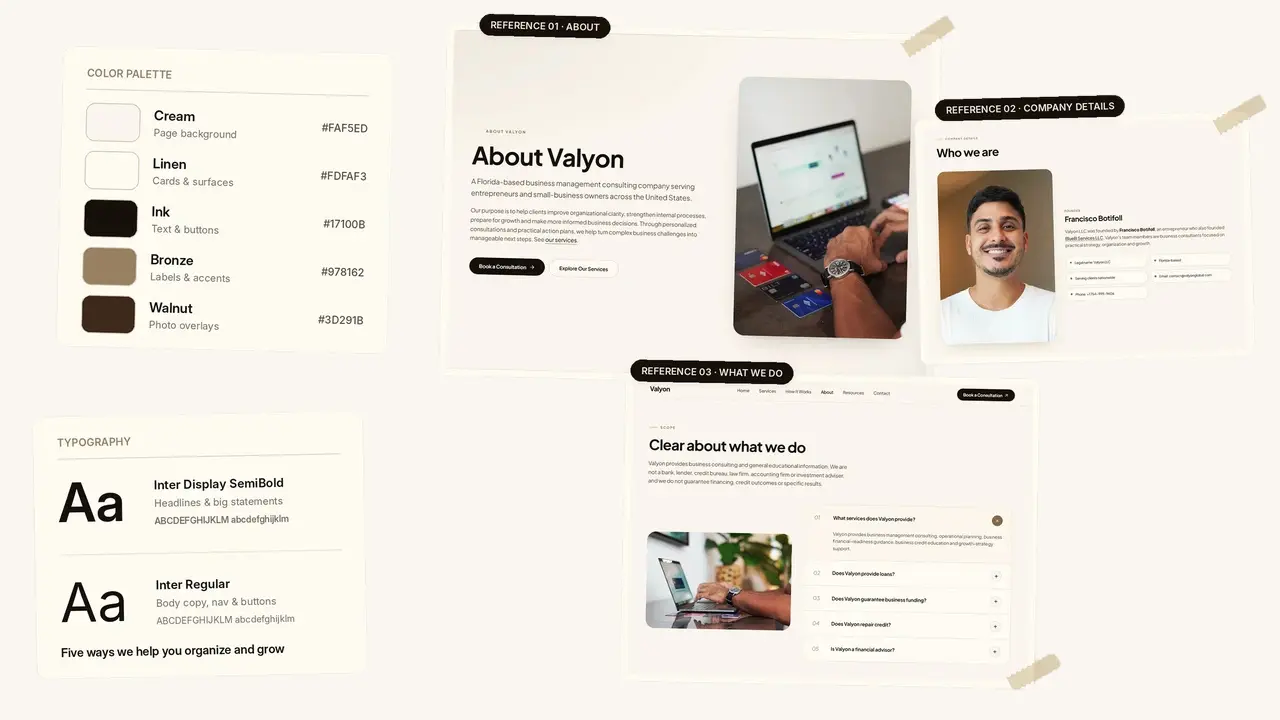
When you build a website with AI, treat prompting as art direction. Describe the page the way you’d brief a designer.
Use a layered prompt structure
Include these in your first prompt:
- Brand and audience: who you are and who it’s for
- Goal: the single conversion action
- Page structure: sections in order
- Visual direction: colors, fonts, mood, spacing
- Copy tone: how it should sound
Example prompt
“Create a homepage for a wellness coach who helps burned-out founders. Tone: calm, confident, editorial. Colors: warm cream, deep olive, soft gold. Sections: hero with one clear promise and a ‘Book a Call’ button, short about section, three-step process, testimonials, FAQ, final CTA. Lots of white space, large serif headings, minimal clutter.”
Build in layers, not all at once
Start with the homepage. Refine it. Then expand to your offer page, about page, and contact page. Iterating section by section keeps the design cohesive.
Tool note: We like Lovable for this workflow because you can describe pages in plain language and refine them conversationally. If you want to try it, this referral link gives you 10 extra credits.
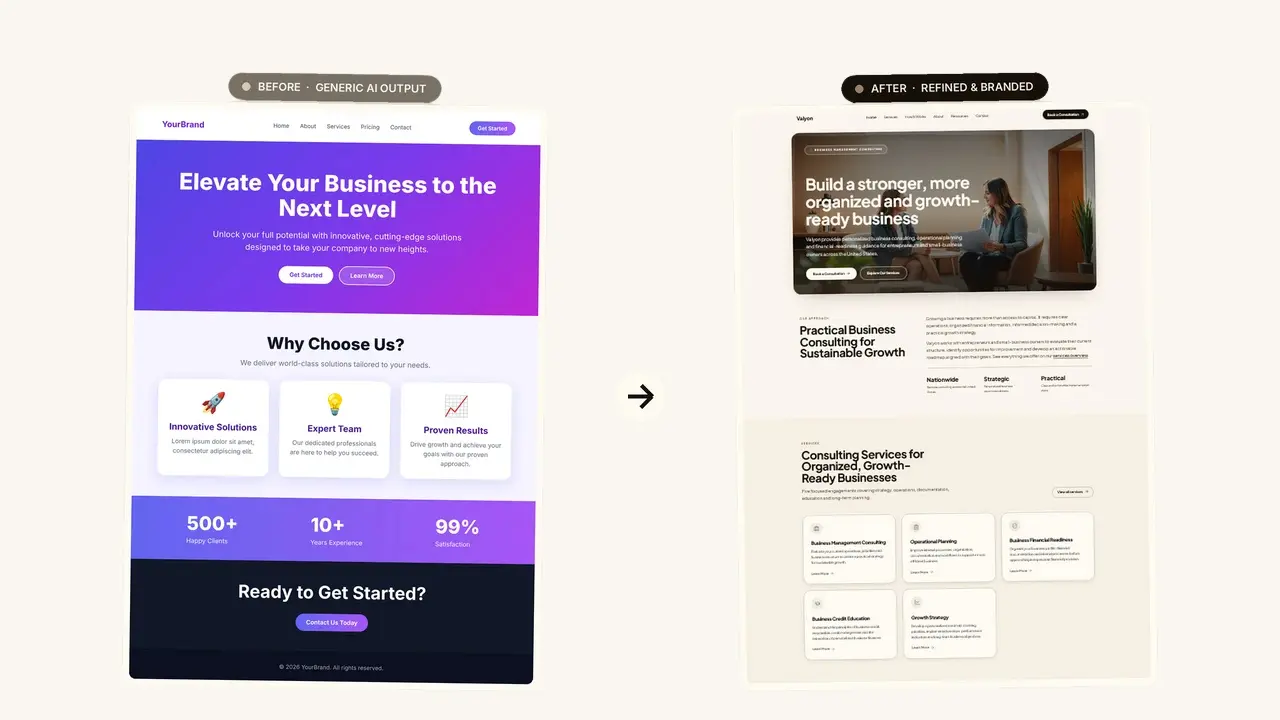
Step 4: Refine Your AI Website Design So It Doesn’t Look Templated
Your first draft is a starting point. The gap between “AI-made” and “professionally designed” lives in the refinement pass.
Run this checklist:
Tighten the hero
Cut the headline to one idea. Under it, one sentence that says who it’s for and what changes. Then one button.
Add real proof
Swap placeholder testimonials for real ones. Add a result, a client name, or a screenshot. Specificity builds trust faster than polish.
Fix the spacing
AI often crowds sections. Ask it to increase vertical padding and reduce text width. The breathing room reads as premium.
Replace generic imagery
Use your own photography wherever possible. Authentic images do more for credibility than any layout tweak.
Rewrite the copy in your voice
Read every line out loud. If you wouldn’t say it to a client on a call, change it.
Step 5: Set Up SEO and Conversion Basics Before You Launch
A beautiful site nobody finds is just a portfolio piece. When you create a website with AI, set up the fundamentals before you publish.
SEO essentials:
- Unique title tag and meta description for every page
- One H1 per page, with H2s that match real search intent
- Descriptive image file names and alt text
- Clean URLs (short, readable, keyword-aware)
- Fast load times and mobile-first layouts
Conversion essentials:
- One primary CTA repeated throughout the page
- A short lead magnet or newsletter signup
- A simple booking or inquiry form
- Social proof placed near every call to action
This is the layer AI rarely handles on its own. It’s also where sites quietly start paying for themselves.
When to Use AI vs. When to Hire a Studio
AI is excellent for launching quickly, testing an offer, or building a lean first version. For many creators, it’s the right starting point.
It’s less suited to situations where:
- Your brand needs a distinct, ownable identity
- You’re running paid traffic or a funnel and every percentage point matters
- You need SEO architecture built to rank, not just to exist
- Your site must connect to email, offers, and content systems
That’s where our team comes in. At Fav Studio, we use AI to move faster, then layer in strategy, design, and SEO so the site works as a system, not a brochure.
Frequently Asked Questions About Creating a Website With AI
Can I really create a website with AI that looks professional?
Yes, if you give it clear direction. Define your offer, brand colors, fonts, and page structure first, then refine the draft. Professional results come from strategy plus iteration, not a single prompt.
What’s the best AI website builder for creators and coaches?
It depends on your needs. Look for a builder that lets you describe pages in plain language, edit visually, and connect forms and a custom domain. Test a couple before committing.
How long does it take to build a website with AI?
A solid first draft can take a few hours. A polished, conversion-ready site usually takes a few days once you add real copy, photography, and SEO setup.
Is AI website design good for SEO?
It can be, but you have to set it up. Add unique titles and meta descriptions, structured headings, alt text, and fast mobile performance. AI gives you the structure, and you provide the strategy.
Do I still need a designer if I build a website with AI?
Not always. If you’re launching or testing, AI may be enough. If you need a distinctive brand, a funnel, or a site built to rank and convert, working with a studio saves time and money in the long run.
Ready to Turn Your Website Into a Growth Asset?
AI has removed the barrier to building a site. What it hasn’t removed is the need for clear positioning, intentional design, and a system that converts attention into revenue.
If you’d rather skip the trial and error, Fav Studio can build it with you: strategy, design, SEO, and the funnel behind it. Ready to turn your visibility into revenue? Visit our contact page to start a project with us today.